



Table of Contents
Magnific AI has become one of the most popular AI image upscalers, and for good reason. It’s known for turning low-resolution images into much sharper, more detailed versions, making it a favorite among designers, photographers, and digital artists.
But it’s not the only option anymore.
Depending on your workflow, you might be looking for something that does more than upscale images. Maybe you want built-in image generation, better editing tools, or simply a platform that lets you do everything without switching between multiple apps.
If that’s the case, here are three Magnific AI alternatives worth looking at: Krea, Topaz Photo AI, and Upscayl.
When Does It Make Sense to Switch?
Magnific AI is still a great tool, but it won’t be the best fit for everyone.
You might want to consider an alternative if you:
- Want to generate AI images as well as upscale them
- Need more editing tools in the same platform
- Prefer a free or more affordable option
- Want an all-in-one creative workspace instead of a single-purpose tool
With that in mind, let’s look at three alternatives that each offer something a little different.
1.Krea AI

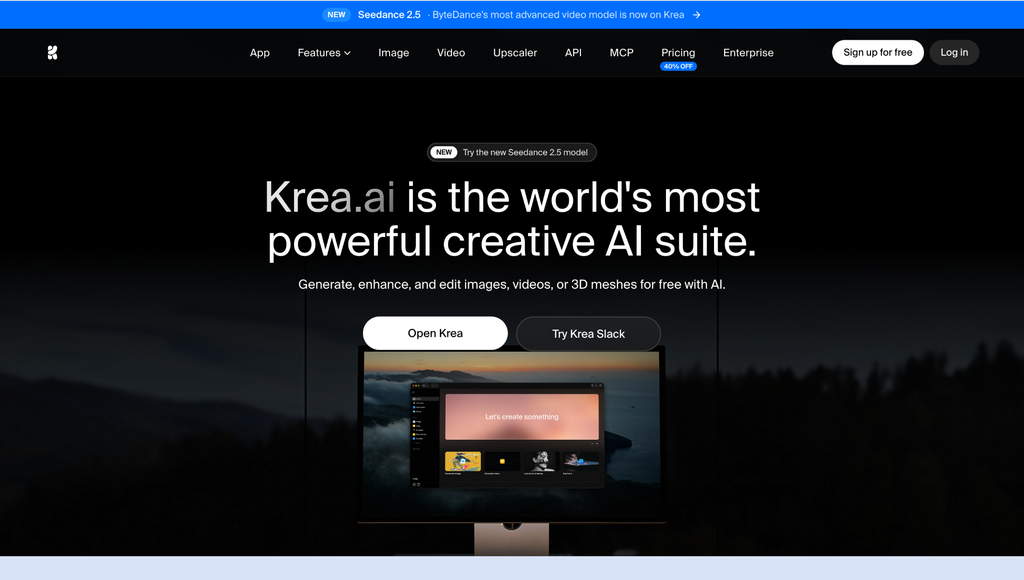
If you’re switching from Magnific AI because you want a more complete creative workflow, Krea AI is probably the first tool I’d recommend.
While Magnific mainly focuses on enhancing existing images, Krea lets you do much more in one place. You can generate images from text or reference images, edit specific parts of an image, create multiple variations, upscale your work, and even turn images into videos without leaving the platform.
One thing that really stands out is the number of AI models available. Alongside Krea’s own Krea 2 model, you can also use models like Flux, Imagen, Nano Banana, ChatGPT Image, and Wan from the same workspace. Instead of jumping between different tools, you can compare results and choose the one that works best for your project.
It’s also surprisingly easy to use. Despite offering a lot of creative features, the interface stays clean and beginner-friendly, so you can focus on creating instead of learning complicated menus.
You’ll probably like Krea if…
- You want image generation and upscaling in one place
- You like experimenting with different AI models
- You regularly edit or refine AI images
- You want a free plan to get started
A couple of things to keep in mind
- Some of the more advanced features are only available on paid plans.
Best for: Creators who want an all-in-one AI image workspace instead of a dedicated upscaler.
2.Topaz Photo AI

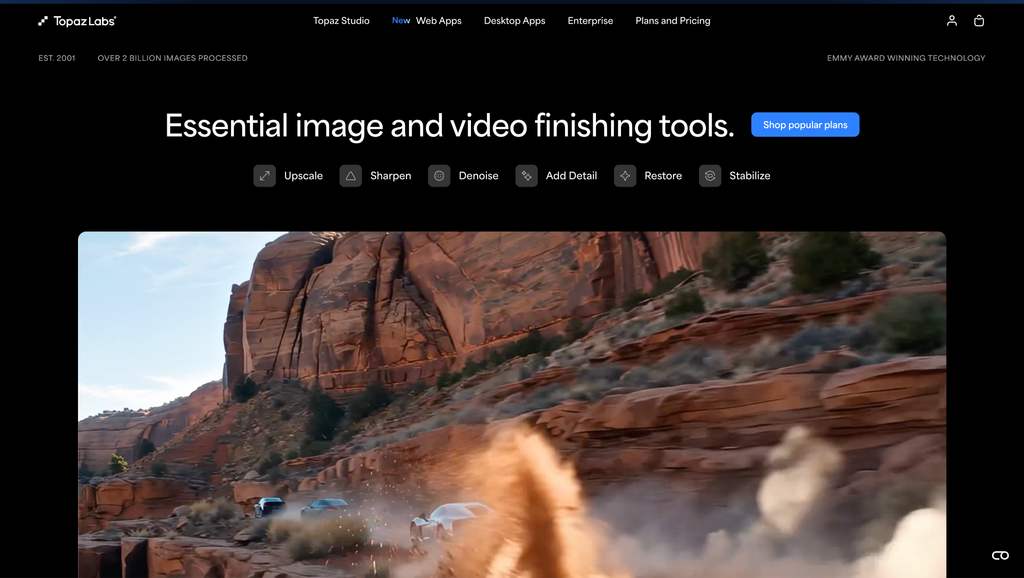
Topaz Photo AI takes a different approach to Magnific AI.
Instead of focusing on AI-generated artwork, it’s designed to improve real photographs. It combines AI sharpening, noise reduction, and image upscaling into a single desktop application, making it a popular choice for photographers who want cleaner, sharper images without spending hours editing manually.
One of its biggest strengths is that it analyzes each image and recommends the enhancements it thinks will produce the best result. That makes the editing process much quicker, especially if you’re working through large batches of photos.
While it doesn’t include AI image generation or creative editing tools like Krea, it does an excellent job of improving image quality.
Topaz Photo AI is a good fit if…
- You mainly work with photographs
- You want sharper, cleaner images
- You need AI-powered noise reduction
- You prefer desktop software
A couple of things to keep in mind
- It’s focused on photo enhancement rather than AI art.
- There isn’t a built-in AI image generator.
Best for: Photographers and professionals looking to improve existing photos.
3.Upscayl

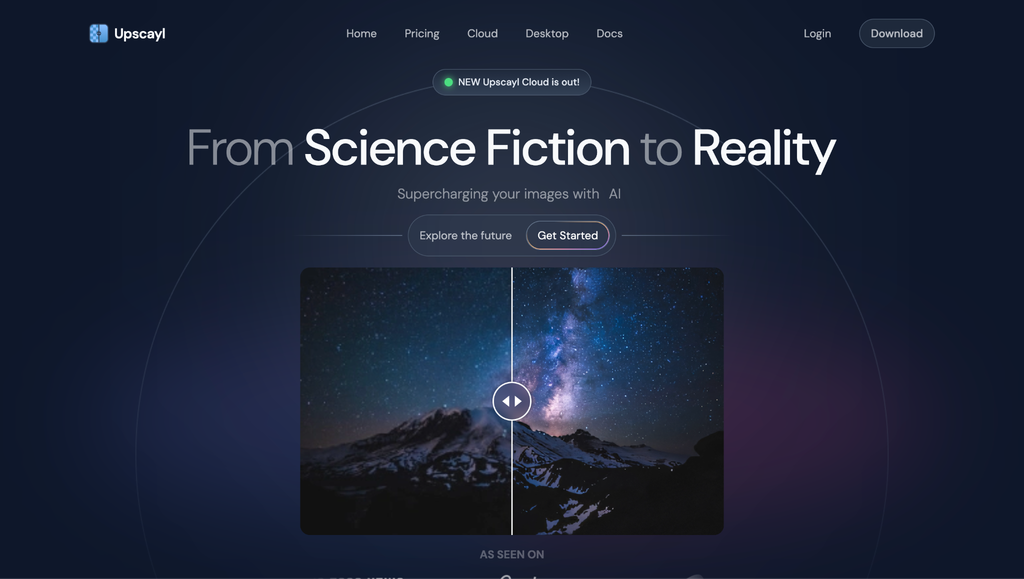
If your main goal is simply to upscale images without paying for another subscription, Upscayl is well worth trying.
It’s a free, open-source desktop application built specifically for AI image upscaling. The interface is straightforward; it’s easy to get started, and because everything runs locally, your images stay on your own computer instead of being uploaded to the cloud.
Naturally, it doesn’t offer the same range of creative tools as Krea, and it isn’t designed for AI image generation. But if all you need is a reliable way to improve image resolution, it’s one of the best free options available.
Upscayl is worth trying if…
- You want a completely free tool
- You prefer open-source software
- You only need image upscaling
- You’d rather process images locally
A couple of things to keep in mind
- It’s designed specifically for upscaling.
- It doesn’t include image generation or editing features.
Best for: Anyone looking for a free AI image upscaler.
Which Alternative Should You Choose?
| If you want… | Choose… |
| The best all-around alternative | Krea |
| Image generation, editing, and upscaling in one place | Krea |
| Professional photo enhancement | Topaz Photo AI |
| A completely free option | Upscayl |
| Local desktop processing | Upscayl |
Conclusion
Magnific AI is still one of the best tools for AI image upscaling, but it isn’t the only option anymore.
If you’re looking for a platform that does more than just enhance images, Krea is probably the strongest alternative. It combines image generation, editing, upscaling, and enhancement in one workspace, making it a great choice for creators who want a more complete workflow.
If your focus is photography, Topaz Photo AI is hard to beat. And if you simply want a free way to upscale images, Upscayl is an excellent option.
The best choice really comes down to how you work and which features matter most to you.