

Table of Contents
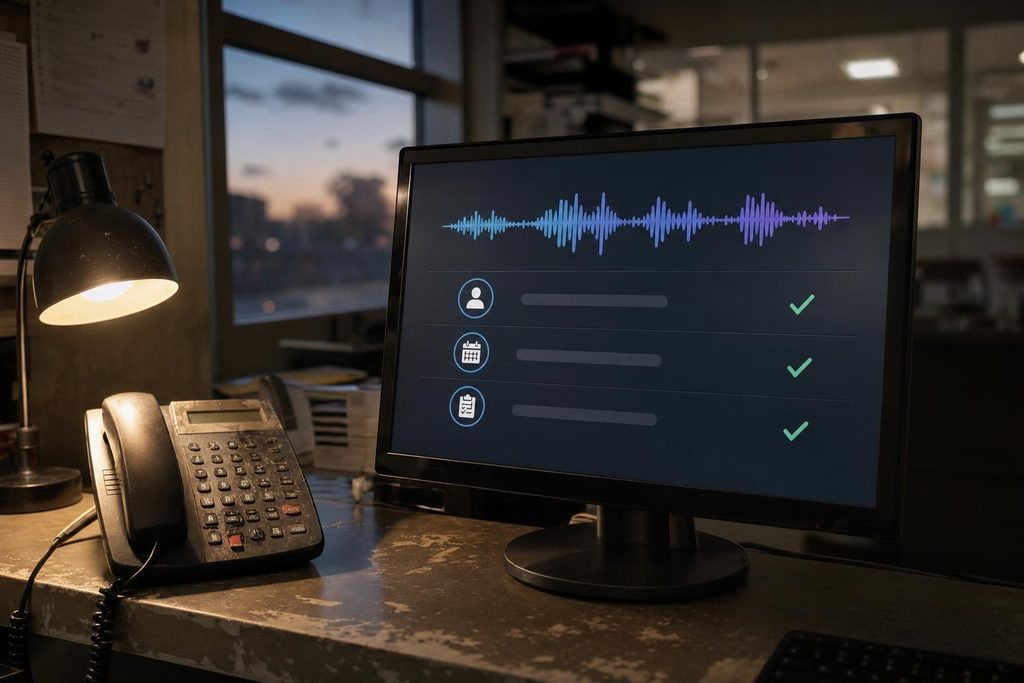
Most small-business owners don’t have a free afternoon to test AI tools, and the volume of advice can make choosing harder. A practical starting point is to adapt one narrow project, test it for about a month, and use your own results to decide whether to expand.
The ideas below combine everyday business workflows with vendor-published examples. Vendor results are labeled because one customer’s experience isn’t a forecast for your shop, kitchen, or dispatch office.
Community showcases such as ForumRix offer another useful perspective: a place to see what people have tried and how they ask for feedback.
Key Takeaways
- Start with one repetitive bottleneck. Missed calls, slow replies, and inconsistent catalogs are better first projects than a company-wide rollout.
- Keep initial costs limited. Start with an existing tool or entry-level plan, and include setup and review time in your budget.
- Pick two or three metrics before launch and record a baseline first.
- Build in safeguards early, including privacy checks, human review, and any required customer disclosures.
A Simple Process for Your First Pilot
A short pilot makes it easier to spot quality problems and decide whether a tool is worth keeping.
- Pick one repetitive task where errors are visible and easy to correct.
- Pilot with an off-the-shelf tool before paying for anything custom.
- Measure results over 30 days, including both time saved and errors introduced.
- Expand to more staff only after the results hold.
NIST’s voluntary AI Risk Management Framework provides a useful pre-launch checklist: assign responsibility, understand the risks, measure performance, and manage problems.
Where to Find Real-World Inspiration
Seeing how someone else defined a first project helps you set realistic boundaries. The projects people built with AI on ForumRix offer examples of prototypes and live builds, with opportunities to ask for feedback. Use these community listings to shape your own tests rather than treating them as verified implementation guides.
Hugging Face’s Featured Spaces and Spaces of the Week also highlight community-built AI demos. As with any showcase, check the setup requirements and data handling before trying a demo with business information.
Ten Projects Worth Adapting
Each idea identifies a business problem, a manageable first version, and results to track.
1. After-Hours Call Answering and Intake
Missed calls can mean lost bookings for plumbers, cleaners, and cab companies. A voice agent can answer, collect basic details, check calendar availability, and hand unusual requests to a person. Make clear that callers are speaking with AI, and provide a way to reach staff. Track answer rate, booked jobs, and booking errors.
2. Support Triage and FAQ Chat
Repeated questions can delay support for customers who need individual help. Connect a chat tool to approved help content, route unresolved questions to staff, and keep personal data out of test prompts. Track first response time and the share of questions correctly resolved without staff help. Review sample conversations so a fast but wrong answer doesn’t count as success.
3. Restaurant Menu, Staffing, and Promotion Insights
Point-of-sale data can help you plan staffing and specials. Square’s own release describes an AI assistant that provides local business insights. Compare any suggested schedule or promotion with your sales history and staffing needs before acting. Track how often customers add suggested items and labor cost as a share of sales.
4. Product Descriptions and Catalog Cleanup
Inconsistent titles, missing attributes, and incomplete search descriptions make products harder to find and compare. AI tools built into store platforms can help standardize these fields, but a person should check every draft against the actual product before publishing. Track editing time per product, product-page conversion, and organic search clicks.
5. Scheduling and Quoting for Home Services
Use AI to draft estimates from job notes and approved rates, find open calendar slots, and prepare confirmations. Have staff confirm prices and availability before sending anything to customers. Track quote turnaround time, quote acceptance rate, and on-time arrival.
6. A Content Pipeline From One Source
One completed job can provide material for a case study, a short video, and several posts. Google’s small-business stories include a playscapes company that reported 18% revenue growth while using AI in content and operations. That’s a company-published account, not evidence that AI caused the growth. For your pilot, track production time and leads from your own channels, not just the number of posts.
7. Social Listening and Review Analysis
A daily AI summary of reviews and public mentions can help surface recurring complaints. Use it to analyze genuine feedback, not create reviews that pose as customer experiences. The FTC’s fake-review rule covers AI-generated reviews that misrepresent real experiences. Track monitoring time saved and issues resolved, and check summaries against the original comments before responding.
8. Taxi Dispatch Upgrades
AI call flows can confirm or cancel rides and pass trip updates to dispatch systems. A vendor case study from Yelowsoft on AC Checker Cab reports 75% less manual call handling after AI upgrades. That’s a vendor-reported result for one operator, not a benchmark. Track call workload, confirmation time, and booking errors.
9. NEMT Route and Profitability Planning
Non-emergency medical transport requires careful coordination of appointment times and passenger needs. An assistant can help dispatchers identify compatible shared rides and prepare the next day’s routes. Keep final decisions with dispatchers, and don’t upload patient details to unapproved tools. Track vehicle utilization, on-time arrivals, and trip costs without sacrificing service requirements.
10. An Internal Document Assistant
Connect an approved assistant to read-only copies of standard operating procedures and meeting notes. It can help answer staff questions and turn notes into task lists. Limit access by role, require references to source documents, and set a written policy before anyone uploads sensitive files. Track time saved, answer accuracy, and rework.
Build It Safely
Requirements vary by location and use case, so check with counsel where needed. Use these safeguards before a first pilot:
- Follow truth-in-advertising rules and the FTC fake-review rule in AI-assisted marketing.
- Check applicable disclosure requirements, and make it clear when customers are interacting with AI.
- Use only data you have permission to process. Check vendor retention and deletion policies before uploading customer records.
- Require human review for consequential decisions, especially those affecting access to jobs, services, or credit.
- Assign an owner, test likely failure cases, and provide a clear way to pause the tool or return work to staff.
A 30-Day Pilot Scorecard
Record a baseline, set a target, and review results at day 30. The figures below are illustrative, not benchmarks. Compare similar workloads and include time spent correcting mistakes. Sharing a privacy-safe summary on ForumRix can help you gather feedback before expanding. A proof of concept can help with validating an AI pilot before expansion.
| Pilot | Baseline | Target | 30-day check |
|---|---|---|---|
| After-hours answer rate | 60% | 90% | More accurate bookings? |
| Median first response | 12 minutes | 60 seconds | Correct answers and reliable handoffs? |
| Product edits per week | 40 | 200 | Quality and conversion holding steady? |
Start Narrow, Measure Honestly
A useful pilot has a small scope, a recorded baseline, and a person responsible for checking the output. Expand only when quality holds and the benefits outweigh setup, review, and correction costs. A modest improvement you can verify is more useful than an impressive result you can’t explain.