Table of Contents
If you are an Adobe user, there is a fair chance that you have watched videos in FLV format. While this is a good format for certain purposes, it is not completely universal in its usage. MP4, on the other hand, is much more widely used. Therefore, a lot of people are making the conversion.
The trick, though, is how to do this without losing quality. It often happens in the conversion process that file compression causes quality to be lost. There are things that you can do to preserve quality, though.
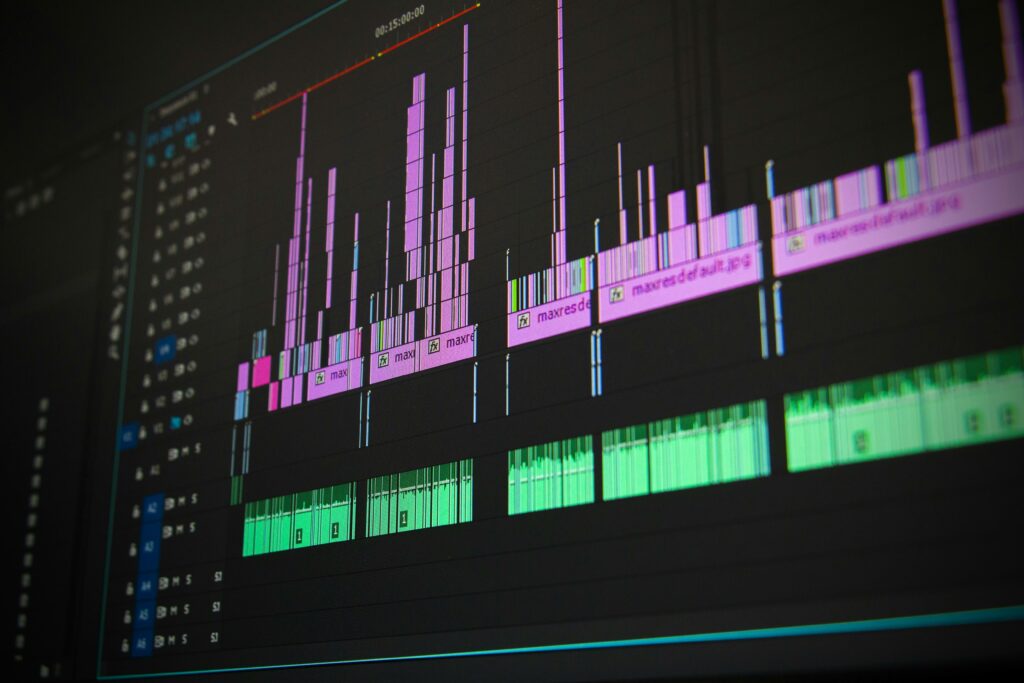
Image source: https://www.pexels.com/photo/low-angle-view-of-lighting-equipment-on-shelf-257904/
What are FLV and MP4?
FLV stands for Flash Video File. It is a file type most frequently used in Adobe software. While Adobe remains a popular product, FLV files are often not usable on other types of systems.
MP4, on the other hand, is used all over the world in virtually every type of operating system and device. If you need to convert to something that will be reliable, you can be confident that MP4 will do the trick.
Retaining quality
Retaining quality is a different question. But one of the reasons for MP4’s wide popularity is that it is considered to be a high-quality product that compresses files with lossless quality.
Still, there are specific things that you can do in the conversion process to ensure that your final product retains the quality and features that you want. In the sections below, we will take a look at a few different conversion programs and what they entail.
Converting FLV to MP4
Let’s now look at different programs and what you can do with each of them to retain quality in the conversion process. First, though, we will cover what to look for in a solid program.
What to look for in conversion programs for gaming
In looking for a conversion program, it is always a good idea to use one that is downloadable if possible. Actual apps have a much greater capacity, and they are also more reliable in terms of preventing bugs and malware. This is why the converter app market is set to reach nearly $5 billion by 2032. Many people consider apps essential for getting the job done right and creating quality game files.
Movavi Video Converter
Movavi has a video FLV converter that allows for batch – and large-size conversion with lossless quality. When you go through the process with Movavi, you can adjust your bitrate and resolution to ensure that they remain at the level you want.
Bandicut
Bandicut also offers a solid program that preserves quality in the conversion process. When you download and launch the program, be sure to check your file size and resolution settings before you perform the conversion. This will help ensure that nothing is lost.
VLC Media Player
VLC Media Player is an open-source program that allows for easy file conversion. The program allows you to convert multiple files at the same time.
However, because of the player’s comparatively limited capacity, you might want to convert files individually if you use it. This way, you can be sure that you retain the quality you want in the conversion process. If you have multiple files to convert and want to save time, you might opt for one of the other programs.
Conclusion
Converting from FLV to MP4 is necessary if you want to have videos that are compatible with different types of devices and operating systems. While FLV is a quality format, you will be limited in your ability to use it in many systems. When you make the conversion, be sure to select a program where you can adjust your resolution and bitrate in the conversion process. While MP4 is generally a high-quality format, you should make sure that the specific program you use allows you to retain precisely the parameters that you require so that you can end up with the highest quality video possible.