Table of Contents
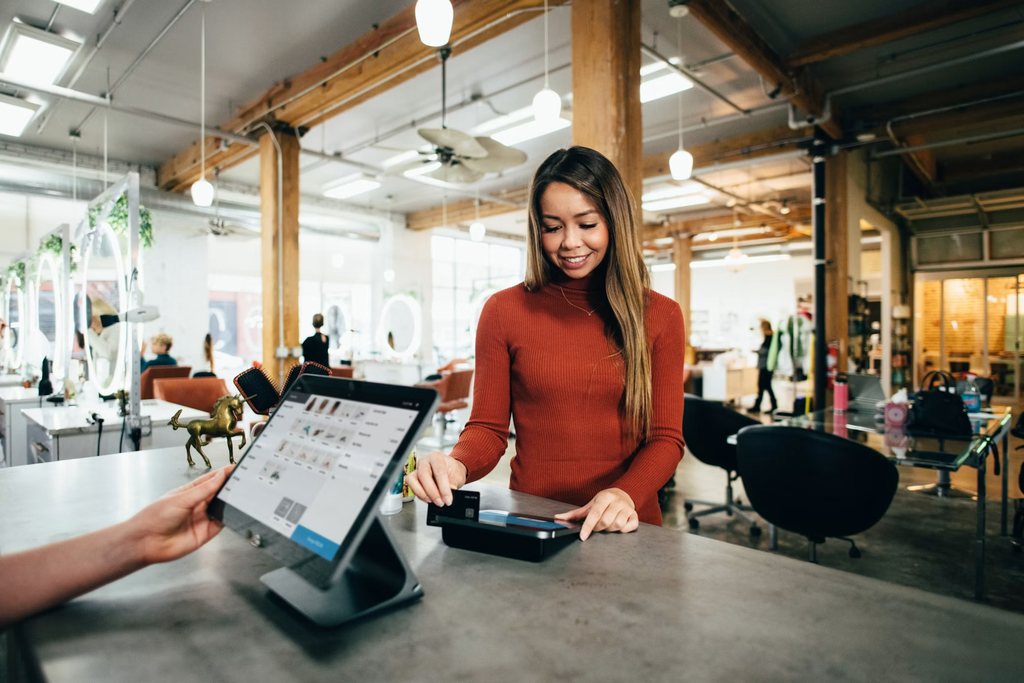
Most guides to point of sale systems list five types, and every one is a hosting choice. On-site, cloud, mobile, browser, kiosk. That tells you where the software runs, not whether the system fits your business.
There is a better question. Is an employee present when money changes hands?
Answer that and the market splits cleanly in two. Everything else, hosting included, comes afterward.
Key Takeaways
- POS systems divide by whether a person is present at the transaction, not by where the software is hosted
- Nine types in total, five attended and four unattended
- Attended systems manage employees and orders. Unattended systems take payment and start a machine
- Laundromats usually need one of each, because self-serve machines and a drop-off counter are different jobs
- Never compare a product in one category against one in the other
- Cloud deployment is right for almost every buyer
What Is a POS System?
A point of sale system is the hardware and software that completes a sale and records what happened. Every system has three layers.
Hardware is the terminal or reader. Software captures the sale, tracks stock or account balances and produces reports. Payment processing connects to your merchant account and sets the rate you pay on every card transaction, which is worth comparing across providers before you sign.
Vendors bundle these three layers differently, which is why two quotes are so hard to compare.
One more thing worth saying plainly. The point of sale is wherever value transfers, and that is not always a counter. In a car wash it is the bay. In a laundromat it is the washer.
That is why two businesses can both say they need a POS system and mean completely different products.
Why the Usual Categories Do Not Work
Those categories overlap. A tablet running cloud software with a card reader is mobile, cloud and browser based at once, so one product lands in three buckets.
Deployment also stopped telling you anything. Cloud hosting, remote access and automatic updates are baseline expectations now, not selling points. Knowing a system is cloud based does not tell you whether it can run a staff roster or start a dryer.
Deployment still matters, and it is covered below. It is just the second question, not the first.
The Two Master Categories
Attended systems put an employee between the customer and the transaction. The job is queue speed, correct pricing, staff control and accurate stock.
Unattended systems have no employee at all. The customer authenticates, pays and starts the service themselves. These systems do something attended systems never have to do, which is authorize a physical machine to run.
Nine types sit inside those two categories. Five attended, four unattended, and plenty of businesses run one from each.
Five Types of Attended POS Systems
1. Counter Terminal POS
The fixed workstation most people picture. Touchscreen, cash drawer, scanner, card reader, receipt printer and usually a customer facing display.
Best for high volume retail with big catalogs, where scan speed and pricebook management decide how fast the line moves. The limitation is obvious. You have to be standing at it to use it.
2. Mobile POS
A tablet or phone paired with a card reader, sometimes a portable printer. Best for selling where the customer is standing rather than at a fixed till, such as market stalls, salons and field service.
The limitation is depth. Most struggle once your product list gets large.
3. Online and Browser-Based POS
Software only, running on hardware you already own. This has the lowest setup cost of any option because you are not buying a terminal.
It only works at low volume. Above that it slows your checkout down instead of speeding it up.
4. Restaurant and Hospitality POS
Built around tables, courses, modifiers, tabs and tips rather than a scanned basket. Kitchen display integration and split billing are what separate these from general retail systems.
5. Service and Vertical POS
Organized around a booking calendar or a job record instead of a product catalog. Clinics, studios, repair shops and laundromats offering drop-off service all use these.
Industry-specific versions run deepest here, which is why the laundromat variant looks nothing like a retail till.
Four Types of Unattended POS and Self-Serve Payment Systems
6. Self-Checkout Kiosks
Customer operated lanes in supermarkets and big-box retail. They cut how many cashiers you need at peak, and they track modern self-service preferences among shoppers who would rather scan than queue.
They need floor space and an attendant nearby for age checks and weight errors, so they only pay off at scale.
7. Vending and Micro-Market Systems
Cashless readers retrofitted to vending machines, plus open shelf micro-markets where customers scan and pay at a standing kiosk. Reporting is by machine and by product, since there is no employee to report on.
8. Amenity and Utility Payment Systems
Car wash bays, EV chargers, air pumps, parking and door access. Payment unlocks a machine or a service instead of releasing goods.
9. Self-Serve Laundry Card Systems and Mobile Payment Apps
The most mature unattended category outside vending, and the clearest example of what these systems actually do.
The job is narrow. Accept a card, coin or phone payment, switch on the washer or dryer, keep track of prepaid balances and show revenue machine by machine. Nobody takes an order and nobody supervises the work, because the customer brought their own laundry and is doing it themselves.
The card system vendors include FasCard and LaundryCard, both from Card Concepts, plus SpyderWash, Laundroworks, ESD and Penny. The mobile app equivalents include PayRange, ShinePay and Tangerpay, alongside manufacturer options like DexterPay and Speed Queen.
The Difference Between Laundromat Card Systems and Laundromat POS Systems
Laundromats show the split better than any other business, because they often run both categories at once, in the same room, from two different vendors.
On the machines sits the card system described above. It handles payment and machine activation, then stops.
At the counter sits something else entirely. A laundromat POS exists because staff, not customers, are doing the washing on drop-off jobs.
It prices a bag by weight at intake, follows that bag through every stage until someone collects it, assigns and monitors the people handling it, bills business accounts on terms and shows what your labor hours actually produced. The order and the person working on it are what this software is organized around. Payment is close to an afterthought.
The POS vendors in this space include Cents, CleanCloud, Turns, Wash-Dry-Fold POS and Curbside Laundries. The category guide at LaundromatSoftware.com breaks the market into these two groups and maps which vendors belong where.
Here is the part that costs operators money. Most full-service stores end up needing one product from each category. Treating them as alternatives, then buying a single system and hoping it covers both jobs, is the costliest error in this market.
Ownership Is Blurring the Line, but Not the Categories
Consolidation is making the boundary harder to see, so know this before you shop.
Cents, a laundromat POS platform, acquired the card system Laundroworks on 8 August 2024. PayRange, a mobile payment provider, acquired the laundromat operating system Turns in February 2025.
Both now sell products on both sides. They are still two products doing two jobs, sold separately, and most operators do not need both from one vendor. Ownership overlap is not category overlap.
Hardware and Deployment
The Hardware You Actually Need
Attended systems use some mix of touchscreen terminal, customer display, cash drawer, scanner, receipt printer, label printer, scale and card reader.
Unattended systems replace nearly all of that with one reader on the machine, which is why comparing hardware across the two categories is meaningless.
Cloud, On-Premise or Hybrid
On-premise puts the software on a server in your building, paid for up front. You lose remote access, and updates and support usually cost extra. Choose it only if your internet is unreliable or your data must stay on site.
Cloud hosts the software with the vendor and bills as a subscription. You get remote access, automatic updates and better support. This is the right choice for almost everyone.
Hybrid processes locally and syncs to the cloud, so the till keeps working through an outage. Worth it for high volume stores that cannot afford to stop trading.
Unattended systems are effectively cloud only. A reader bolted to a dryer has nowhere to host a server.
Comparing All Nine Types
| # | Type | Who operates it | Best for | Example systems |
| 1 | Counter terminal | Employee | High volume retail, large catalogs | Square, Clover, Lightspeed |
| 2 | Mobile POS | Employee | Selling away from a fixed till | SumUp, Shopify POS |
| 3 | Online POS | Employee | Low volume, existing hardware | Browser-based systems |
| 4 | Restaurant POS | Employee | Table service and modifiers | Toast, TouchBistro |
| 5 | Service and vertical POS | Employee | Clinics, studios, repair shops | Vertical booking systems |
| 5a | Laundromat POS (vertical variant) | Employee | Wash-dry-fold and delivery services | Cents, CleanCloud, Turns |
| 6 | Self-checkout kiosk | Customer | Large stores with queue pressure | NCR Voyix, Toshiba |
| 7 | Vending and micro-market | Customer | Unattended retail points | Nayax, 365 Retail Markets |
| 8 | Amenity and utility | Customer | Car washes, EV charging, parking | Bay mounted readers |
| 9 | Self-serve laundry payment | Customer | Any laundromat with self-serve machines | FasCard, PayRange, Laundroworks |
How to Choose
Start with who touches the transaction. If the customer completes it alone, you are shopping unattended, and machine compatibility and retrofit fit decide it. If an employee completes it, you are shopping attended, and speed, staff controls and reporting decide it.
Work out whether you need both. Laundromats, car washes with a retail counter and gyms with a vending wall all do. That is two purchases, and how well they talk to each other matters more than either feature list.
Compare inside a category, never across one. Putting a card reader next to an operations platform produces a comparison that means nothing. Payment systems compete with payment systems. POS platforms compete with POS platforms.
Choose all-in-one unless you have a specific reason not to. One vendor means one number to call and no finger-pointing when a fault crosses a boundary. Buying components separately works, but you own the integration, and most operators underestimate the downtime that creates.
Ask for the processing rate in writing. Over a year this is usually the largest ongoing number in the whole arrangement, and it is the one most often left vague during a demo. Read the full agreement the same way you would run any other vendor contract review, because auto-renewal notice periods and exit terms often cost more than the rate itself.
Ignore bolt-on features. A payment system may add the ability to sell soap. A POS may connect to the reader on your wall. Neither changes what the platform was built to do, and buying on a bolt-on gets you a weak version of another product’s core job.
Conclusion
Deployment is a footnote. The question that sorts this market is whether an employee is standing there when money changes hands.
Answer that, pick your category, then compare only within it. If you run both self-serve and staffed service, accept early that you are buying two systems and put your effort into how well they integrate. No single product does both jobs well today.
Frequently Asked Questions
How many types of POS systems are there?
Nine, across two master categories. The five attended types are counter terminal, mobile, online, restaurant and service or vertical POS. The four unattended types are self-checkout kiosks, vending readers, amenity payment and self-serve laundry payment.
What is the difference between a laundromat card system and a laundromat POS system?
A card system is a self-serve payment system. It takes payment at the machine and starts a washer or dryer for a customer doing their own laundry. A laundromat POS runs the drop-off side of the business instead, pricing bags by weight, tracking them through the process, managing staff and billing commercial accounts.
Do all laundromats need a POS system?
No. A store offering only self-serve machines needs a payment system but no POS, because staff are not handling anyone’s laundry. A POS becomes necessary once you add wash-dry-fold or pickup and delivery.
Can one system handle both self-serve payment and POS?
Some companies sell products in both categories. Cents and PayRange each own a product on both sides after acquiring Laundroworks in 2024 and Turns in 2025. They remain two separate products doing two jobs, and most operators buy them separately.
What is the difference between a POS system and a cash register?
A cash register records a payment. A POS system records the payment plus what was sold, who sold it and what it did to your stock, then reports on all of it.