Table of Contents
Self-hosted CI/CD gives enterprises control over build infrastructure, sensitive code and network boundaries. The key distinction is whether you host the whole platform or only the machines running builds.
I compared seven options for enterprise engineering teams, weighing deployment control against identity governance and licensing clarity.
Key Takeaways
- Full self-hosting covers the control plane and the build machines. Customer-managed agents alone still leave the control plane with the vendor.
- Identity controls separate enterprise-ready platforms from the rest. SAML, SCIM, RBAC and audit logs are the baseline.
- Licensing models differ more than feature sets. Per-seat, per-agent and free-tier models produce very different bills at the same team size.
- Air-gapped operation is never automatic. Confirm offline installation with the vendor before assuming it.
- Budget infrastructure and administration alongside licences with every option on this list.
How I compared them
This is a feature comparison built from vendor documentation, not a hands-on benchmark. I assessed full-platform hosting separately from customer-managed agents.
Deployment and scale. On-premises and private-cloud deployment, air-gap support, and build capacity.
Identity and governance. SAML SSO, SCIM, role-based access control and audit logs carried the most weight. NIST’s Secure Software Development Framework treats protecting the build environment from tampering and unauthorised access as a core practice, which is why these controls rank above raw speed here.
Licensing clarity. I favoured transparent models. Before committing, pilot representative builds and validate your enterprise testing workflows against the platform rather than trusting a feature matrix.
1. Semaphore
Pros
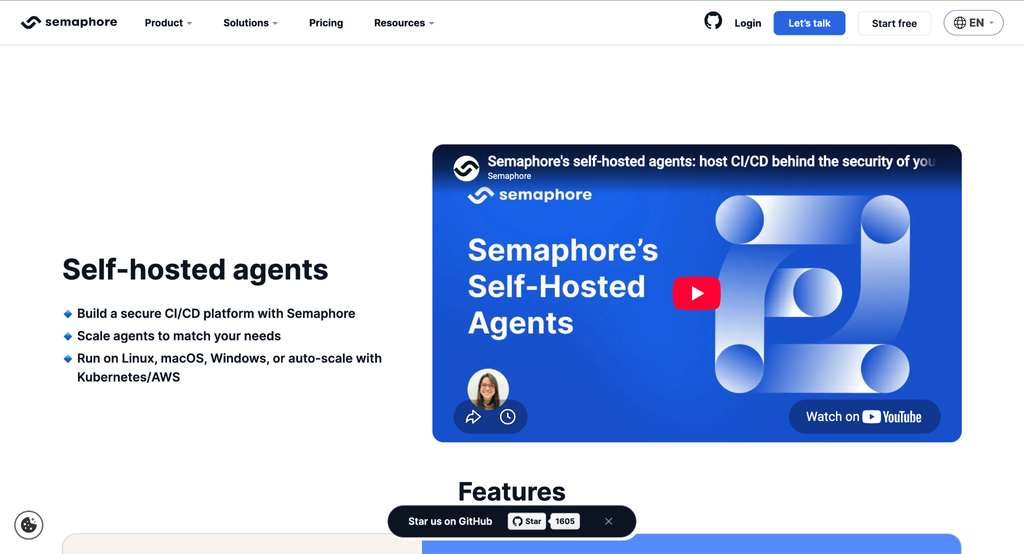
- Self-hosted on-premises or in your own cloud, with a hosted option on Enterprise
- SOC 2 Type II certification with SAML SSO, SCIM, RBAC and audit logs
- Granular deployment permissions, user groups and pre-flight checks on Enterprise
- Open-source Community Edition, free with unlimited users and concurrency
Cons
- Smaller plugin ecosystem than Jenkins
- Migrating legacy pipelines takes planning
Where it fits
The combination of full self-hosting and enterprise identity controls is what puts Semaphore first for me. Teams that need the control plane inside their own boundary, rather than only the build machines, get that without dropping SAML, SCIM or audit logging.
Pricing
Community Edition is free and self-hosted with unlimited users and concurrency, backed by community support. Enterprise Edition is free for companies under $5M in annual revenue with up to 50 users, and the free and paid tiers are feature-identical, with 24/7 support and installation assistance being the difference. Above those thresholds, pricing is custom.
2. GitLab Self-Managed
Pros
- Self-managed installation for infrastructure and data control
- Self-managed runners available on every tier, running on infrastructure you own
- Repositories, CI, security scanning and planning in one platform
Cons
- Seat licensing grows with team size
- Governance and security capabilities are spread across paid tiers
Where it fits
Consolidating four systems into one reduces the number of vendors to review and integrations to maintain. The trade-off is operational weight, and a tier matrix you need to read carefully before assuming a control is included.
Pricing
Check current per-seat pricing and the tier matrix on the official pricing page. Runners install on your own infrastructure, so include that compute in the comparison.
3. GitHub Enterprise Server
Pros
- GitHub workflows inside your own environment
- SAML SSO and SCIM account management
- Unique-user licensing, where each person consumes one licence across deployments
Cons
- Your team owns storage, backups and high availability
- Some features arrive on GitHub.com before the appliance
Where it fits
Worth shortlisting when developers already live in GitHub, because familiar workflows cut migration friction sharply. The platform team still owns appliance operations, and cloud documentation does not always describe Server behaviour.
Pricing
GitHub determines licence consumption by unique users across your deployments, so a person on several Server instances still counts once. Confirm the current entitlement with GitHub sales.
4. Jenkins
Pros
- Free and open source
- The broadest plugin ecosystem of any option here
- Flexible deployment and workflow design
Cons
- Plugins, hardening and high availability are your ongoing responsibility
- Access controls and audit trails have to be assembled rather than configured
Where it fits
The right answer for genuinely unusual workflows, where an off-the-shelf platform would fight you. That flexibility comes with owning the security and reliability work that commercial platforms ship by default.
Pricing
No licence fee. Budget for maintenance, plugin upkeep and commercial support if you need service commitments.
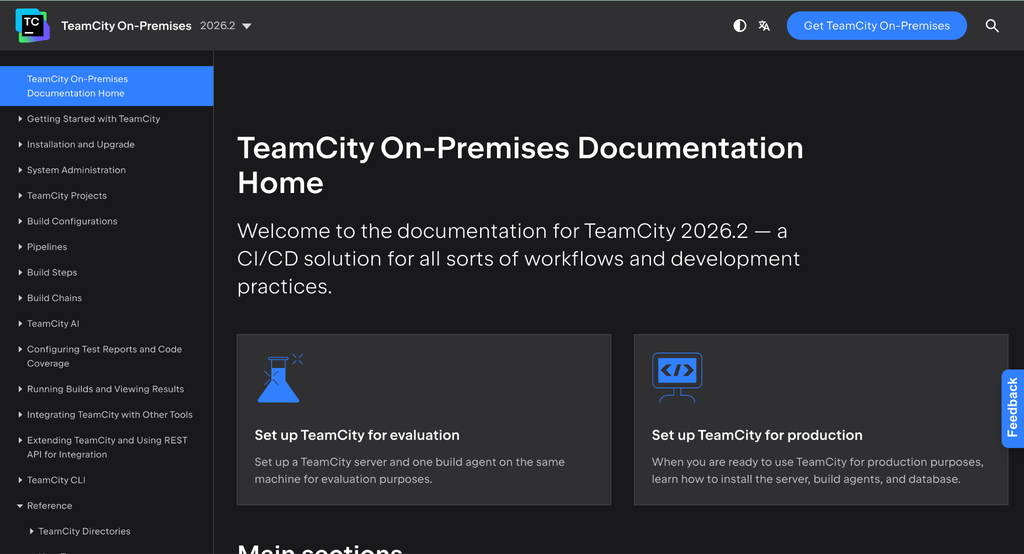
5. TeamCity On-Premises
Pros
- Free Professional edition with the full Enterprise feature range
- Unlimited build configurations on Enterprise
- Build and test insights that suit .NET and JVM teams
Cons
- Agent licensing grows with build volume
- Professional support is limited to the community forum and issue tracker
Where it fits
The test insight tooling earns its place when you are investigating flaky suites rather than just running them. Model your concurrent build needs before relying on the free edition.
Pricing
Professional is free with 100 build configurations, 10 pipelines and 3 build agents, and the configuration limit rises by 10 for each additional agent licence. Check JetBrains’ licensing page for current Enterprise and agent terms.
6. Azure DevOps Server
Pros
- Boards, Repos and Pipelines on-premises
- Fits Microsoft-centred toolchains and identity
- Published licensing guidance
Cons
- Windows Server and SQL Server dependencies
- Newer capability tends to reach the cloud service first
Where it fits
A sensible shortlist entry for Microsoft-heavy organisations that want planning and builds in one on-premises product. Read Server-specific documentation rather than cloud guidance, since the two diverge.
Pricing
Review Microsoft’s current Server licensing guidance. Confirm server, user-access and infrastructure costs rather than applying hosted-service prices.
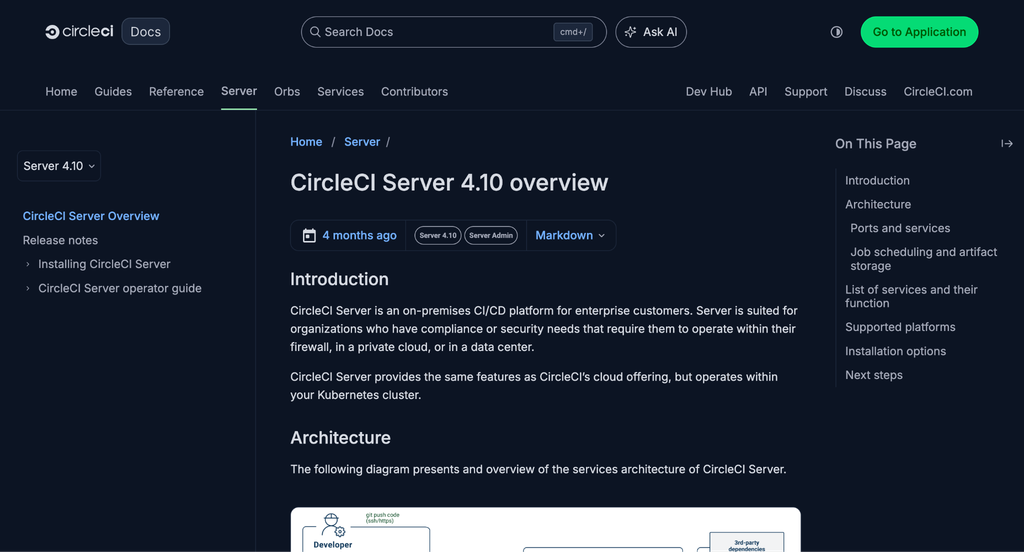
7. CircleCI Server
Pros
- On-premises platform built for firewall, private cloud and data centre deployment
- Runs inside your own Kubernetes cluster, installed by Helm chart
- Documented air-gapped installation, and the load balancer can be made private
- Config policies let org admins enforce and audit pipeline configuration rules
Cons
- Substantial infrastructure floor, with documented requirements starting at four nodes, 24 cores and 90 GB RAM for under 500 daily active users
- Installation is tied to a GitHub OAuth app, so your VCS choice is constrained
- Machine provisioner has to be disabled in air-gapped installs, since it needs cloud connectivity
Where it fits
The strongest option when the compliance requirement is explicitly to operate behind your own firewall and your platform team already runs Kubernetes. The infrastructure commitment is real, so size the cluster before committing.
Pricing
Pricing is not published. Request a quote, and confirm which support tier and installation assistance the quote includes.
Conclusion
For enterprises that want full self-hosting alongside SAML SSO, SCIM, RBAC and audit logs, the first entry is my top pick, and its free Community Edition makes evaluation genuinely cheap.
Choose GitLab for suite consolidation, GitHub Enterprise Server for familiar workflows, or CircleCI Server when a firewall boundary is the hard requirement. Before committing, pilot representative builds and validate access controls, audit exports, support response and recovery procedures.
FAQ
Self-hosted, hybrid or SaaS: what is the difference?
Fully self-hosted puts the control plane and the build agents on your infrastructure. Hybrid combines a hosted control plane with customer-managed agents. Fully hosted SaaS leaves both with the vendor.
Can these platforms run air-gapped?
Not automatically. Confirm offline installation, dependency mirrors, update procedures and support coverage for your intended deployment with each vendor, and expect some features to be unavailable offline.
What should we budget beyond licences?
Include compute, storage, backups, high availability and engineering time. Self-hosting also makes patching and recovery your responsibility rather than the vendor’s.